Encrypted
Encrypted in transit and at rest
Community Safety Network
When seconds matter, Vouch puts the power of community safety in your hands. One tap to report. Instant alerts to your network. Real documentation that drives change.
New Feature
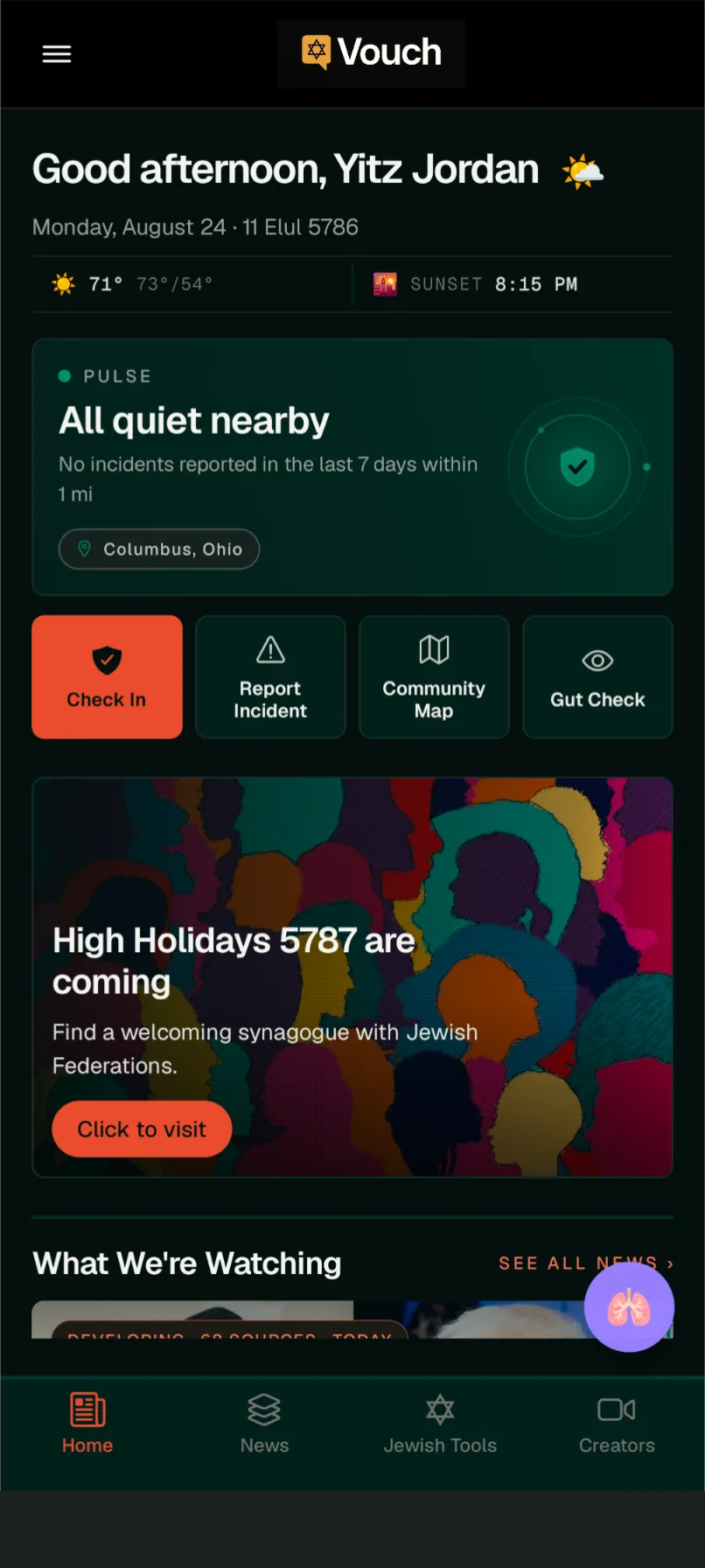
Know where safety lives in your neighborhood.
Every rally point on the Vouch map is more than a pin — it's a business that welcomes you, a synagogue with open doors, a community center where you're known. When your community marks these locations, you build a living network of refuge that exists before you ever need it.
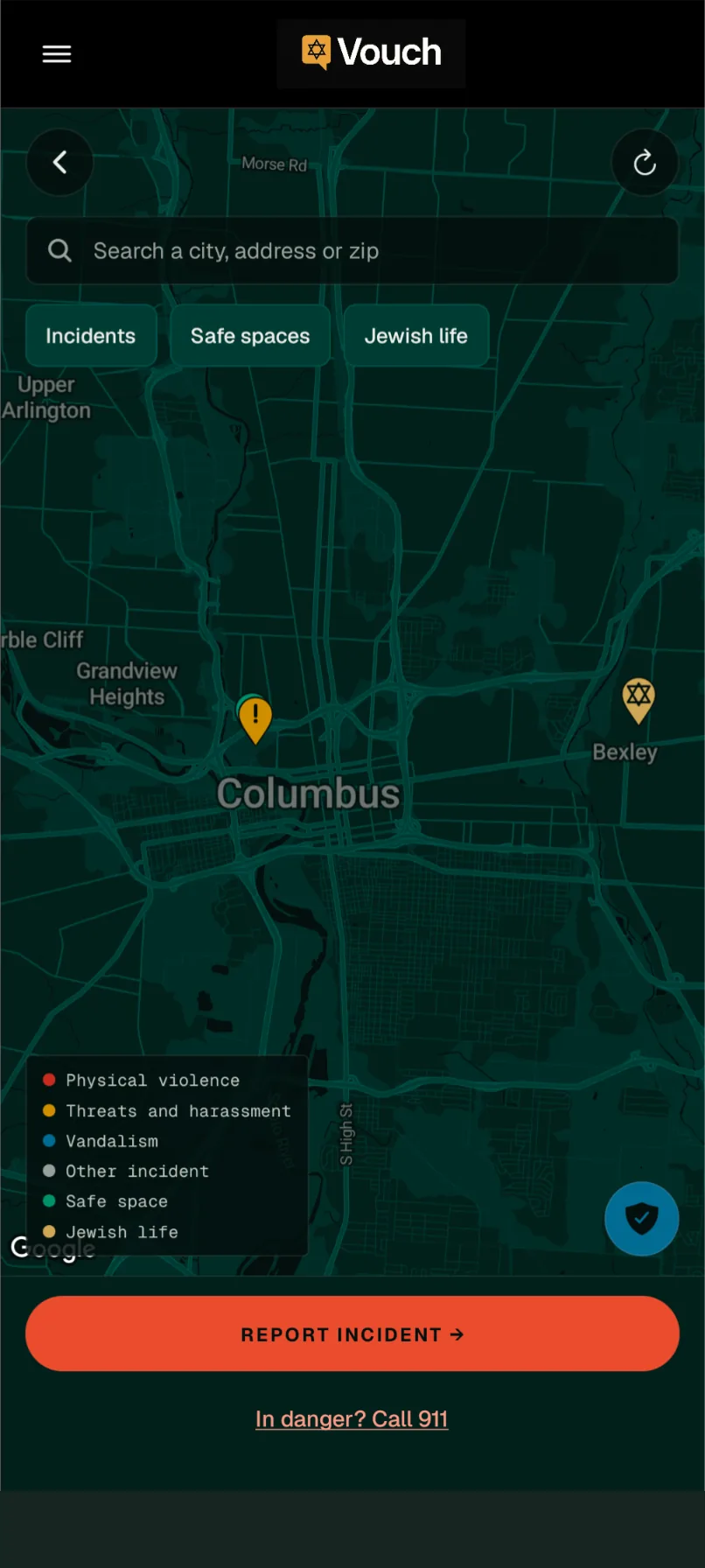
“You're walking to shul on a Sunday morning. You see fresh graffiti — a swastika — on the synagogue wall. You open Vouch. One tap: Pre-Record captures the time and your location. You snap a photo. You submit the report. Within seconds, your rabbi gets an alert. And you can see three rally points within a block where you're welcome and safe.”
Looking for organizational safety infrastructure?
See how Vouch works for synagogues, JCCs, schools, and federations.
Your report starts before you do.
The moment you tap “Report Incident”, Vouch Pre-Record captures your timestamp and GPS coordinates in the database — before the form even opens. Even if your device loses power, goes offline, or the situation escalates, the foundational record already exists. This is fundamentally different from any form-based system that only records data after you finish filling it out.
Every report has a clear path. Here's exactly what happens.
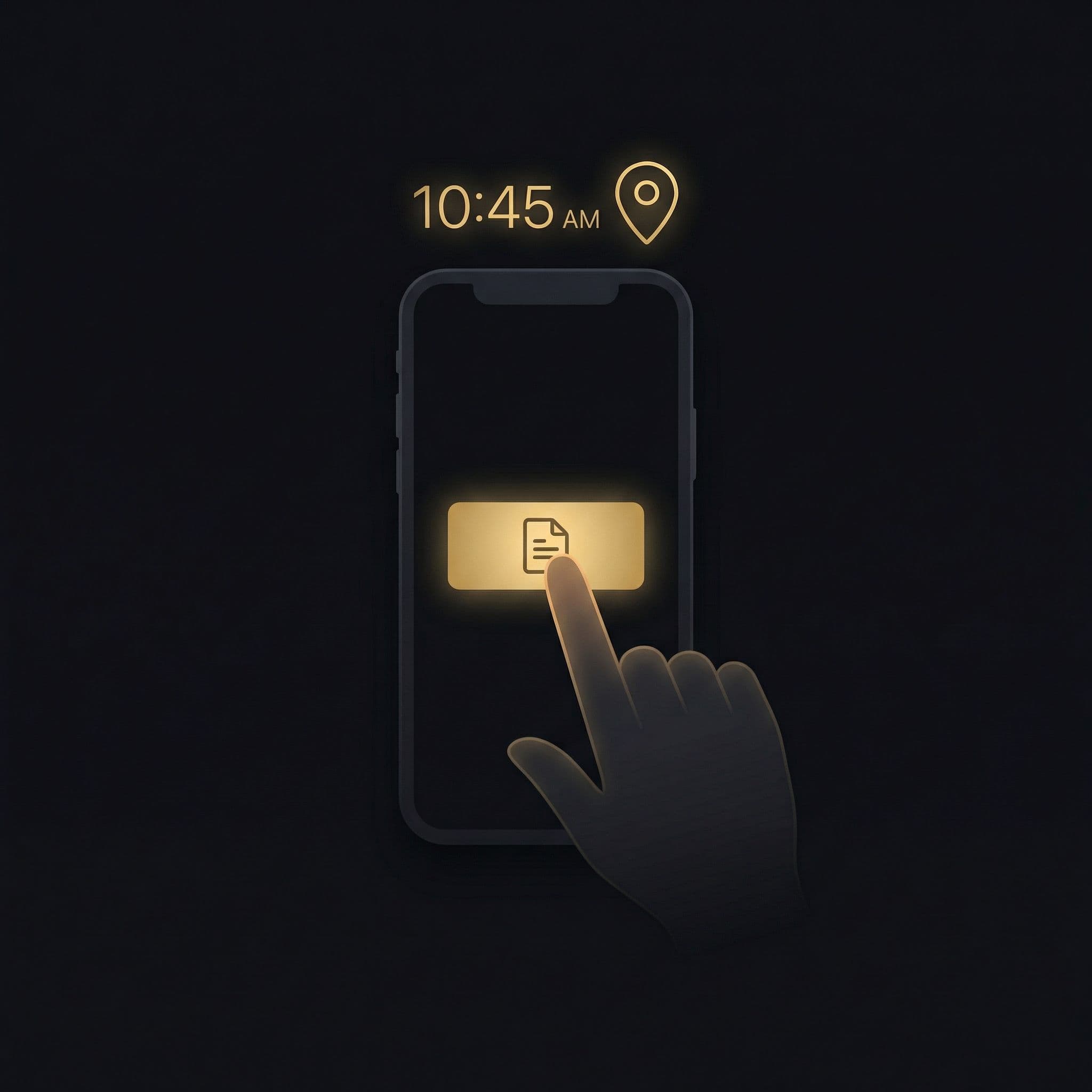
Pre-Record
Vouch Pre-Record instantly captures your timestamp and GPS coordinates in the database. Even if your phone dies in the next second, this record exists.
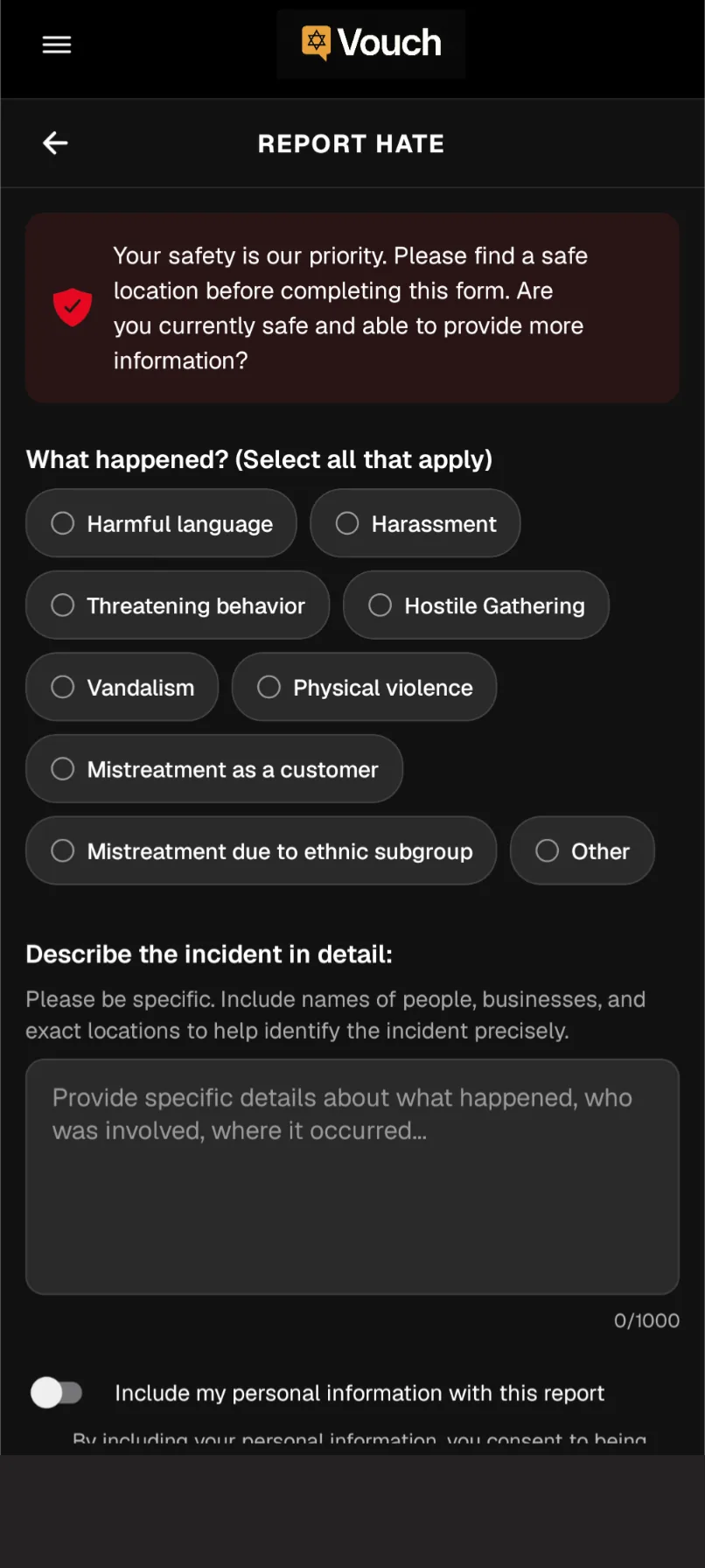
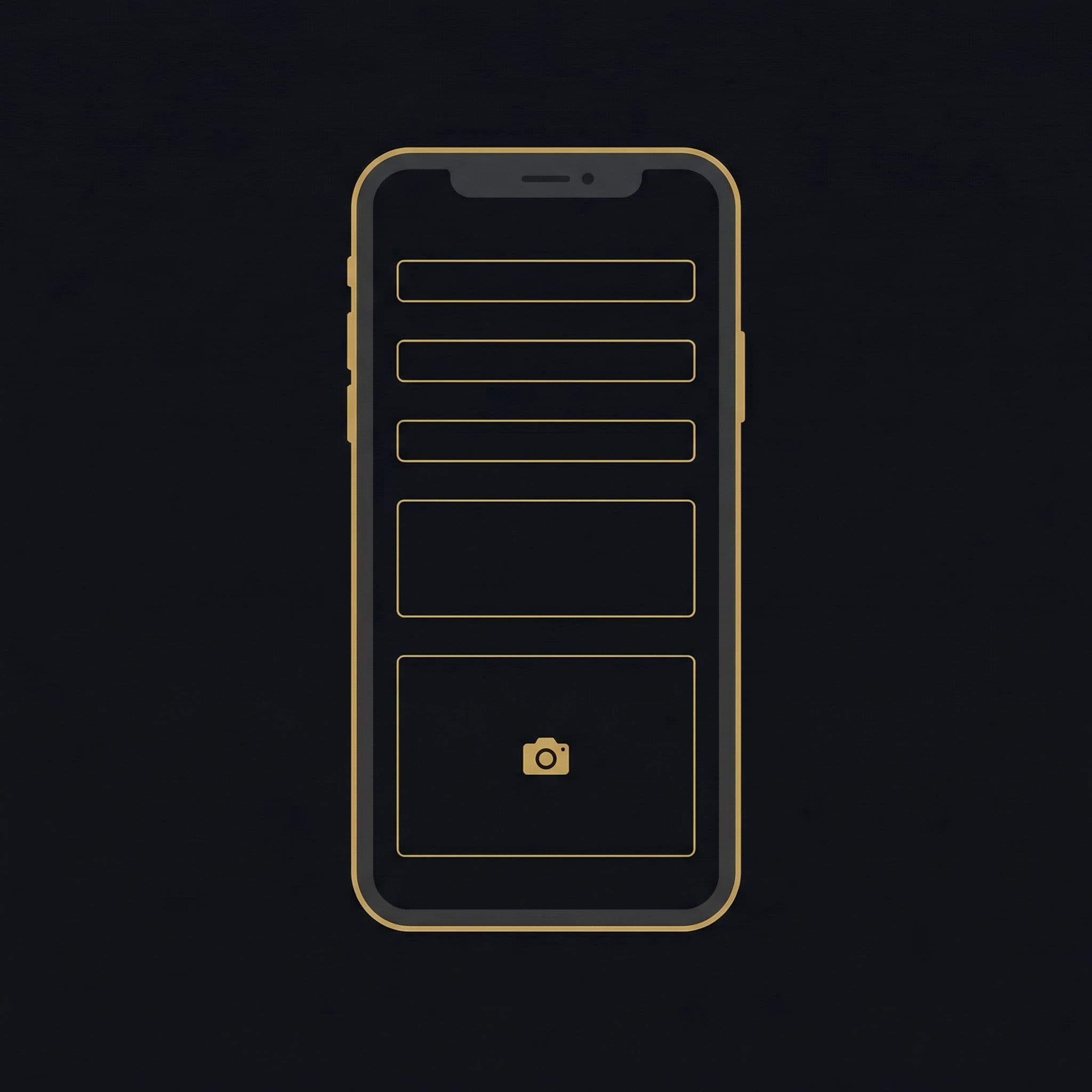
Details and media
Add what happened, select the incident type, and attach photos or video if you can. Every piece of media gets an immutable timestamp that can never be altered.
Submission
Your report is stored securely in Vouch’s encrypted database. You choose whether to include your name or report completely anonymously.
Your organization
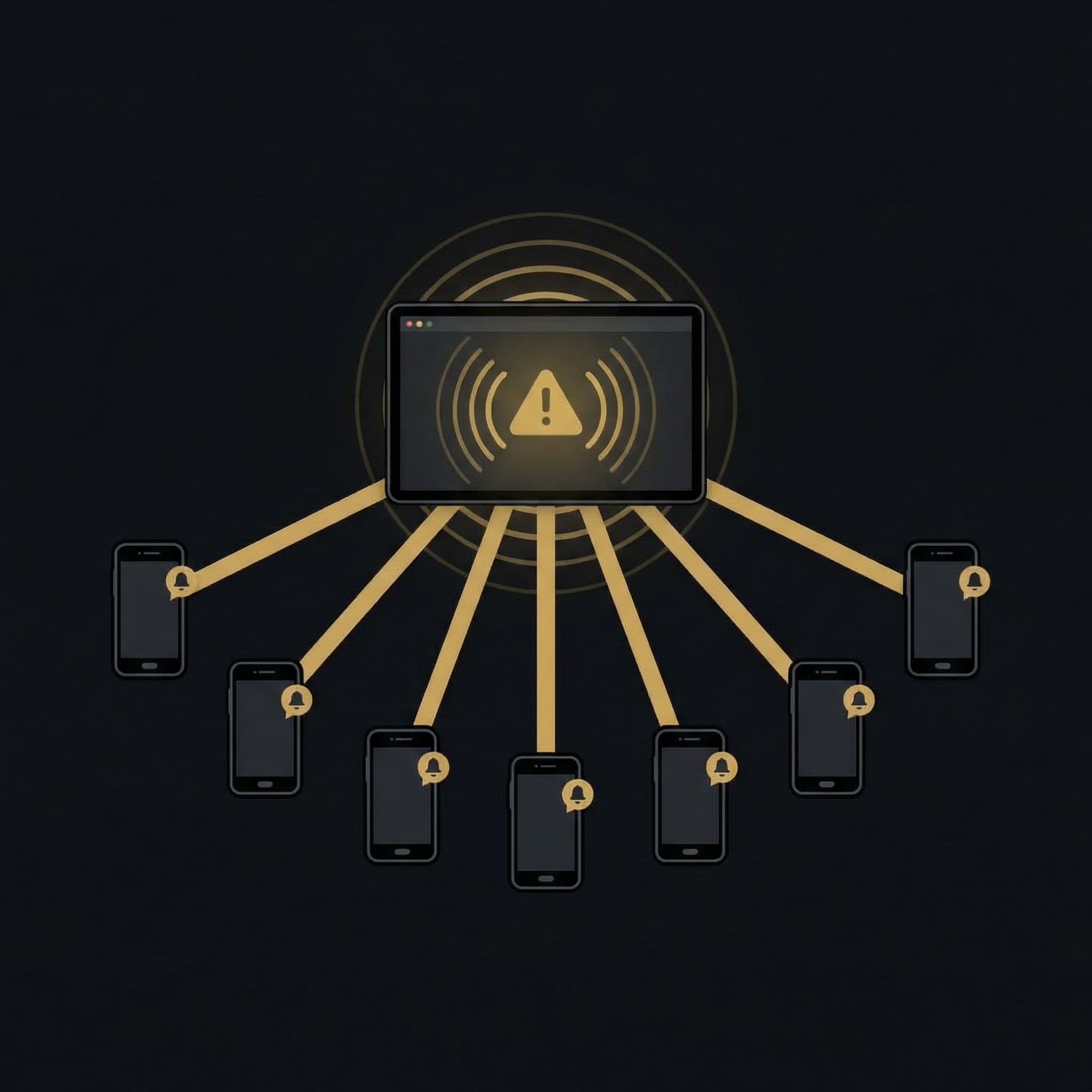
If you’re part of an organization, your leader is alerted immediately. They can send a community-wide alert, initiate safety check-ins, or contact you directly if you opted in.
Across organizations
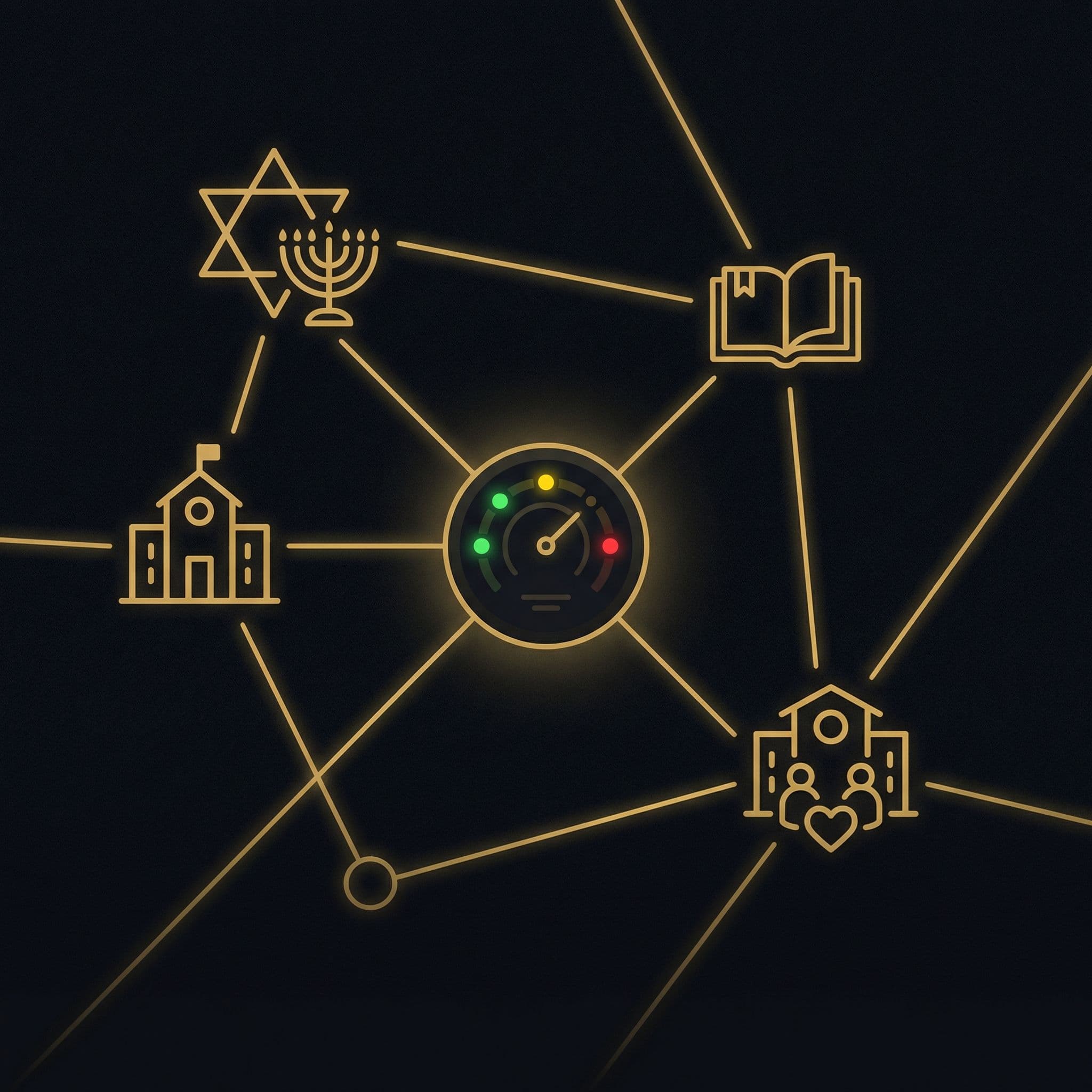
Federation and safety network administrators see aggregated status across organizations. They can coordinate cross-community response and contact reporters who opted in.
Reports are not individually reviewed by a human moderator, so they reach your community in real time. Vouch adds fast community awareness alongside the reporting channels you already use. Reports are visible to your organization’s leaders and community safety networks you’ve opted into.
Community policing. Users can agree with, dispute, or report as fraudulent any user-submitted report. Organization-sent alerts are different — they’re verified by authorized leaders or generated through the Gut Check triage system.
Vouch has rate limiting and security checks on all API endpoints. Media timestamps are immutable and cannot be altered. Reports cannot be edited after submission. Accounts flagged for abuse are subject to review and suspension.
Yes. Organization alerts are verified by authorized leaders or generated through the Gut Check triage system. They carry an ‘Org Verified’ badge and trigger distinct notification types — including full-screen takeovers and distinct alert sounds.
Document various forms of antisemitism including verbal harassment, vandalism, workplace discrimination, or hate symbols. Submit reports with photos, videos, and detailed descriptions — creating a real evidentiary record.
Report anonymously or with your name — you decide. Your data is encrypted, stored securely, and never sold. We share reports only with verified Jewish community organizations working to keep us safe.
Encrypted in transit and at rest
Report without your name
Your data stays private
Whether you're an individual who wants to report and protect, or an organization building safety infrastructure — Vouch is ready.